

Animate a title letter by letter in TypeScript, then render it to MP4 with Framefields. Change the words and the same animation works with the new text.
The finished title, rendered from the code below. A white title reading “Make something move” appears letter by letter on a dark blue background. The video has no audio. Open the MP4 or view a still frame.
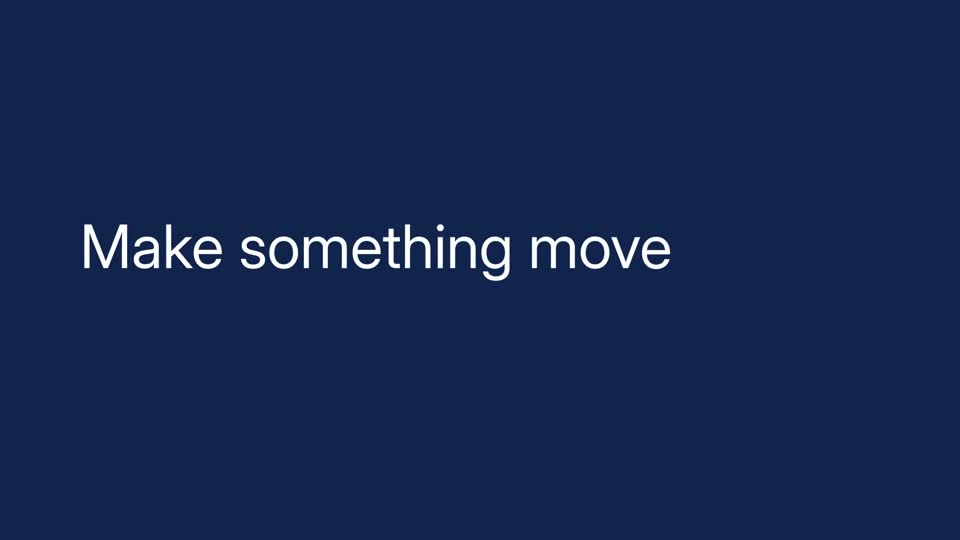
Make a title
Section titled “Make a title”Start with a Framefields project. The example uses Framefields 2.6.2 and a local font file at assets/fonts/Inter.ttf. Register the font before creating the text layer: Framefields doesn’t ship fonts or pick one from your system for headless rendering.
import { Composition, FontManager, Layer, LayerAnimation, TextAnimator } from "framefields";
await FontManager.register({ family: "Inter", source: "assets/fonts/Inter.ttf" });
const comp = new Composition({  width: 1920,  height: 1080,  fps: 30,  durationMs: 3000,  backgroundColor: "#102450",});
const title = Layer.text("Make something move", {  position: "absolute",  x: 160,  y: 420,  width: 1600,  height: 240,  fontFamily: "Inter",  fontSize: 120,  fill: "#ffffff",  animators: [TextAnimator.waveRise({ y: 60, rotationX: 45 })],}).animate(LayerAnimation.create().kineticSweep(-1, 1, 0, 40));
comp.add(title);console.log(comp.lint());await comp.renderVideo({ outputPath: "output/title.mp4" });
Create the output directory before running the script. At 30 frames per second, the sweep takes 40 frames, or about 1.3 seconds. Try a shorter sweep for a snappier entrance. If your title wraps, give it more width or reduce the font size.
Check the in-between bits
Section titled “Check the in-between bits”A title can look fine at the start and end but clip halfway through. Before a full export, render a contact sheet:
await comp.renderFrameGrid({ frames: [0, 10, 20, 30, 40, 60], columns: 3, outputPath: "output/title-grid.png",});Look for cropped letters and awkward line breaks. If you want words or lines to move together, pass unit: "word" or unit: "line" to waveRise. The default is "character". There are also presets for blur, flips, color sweeps and word pops in the animation guide.
This is useful when the same title treatment needs to work across many names, headlines or languages. You still need to check the result: different text takes up different space, and fonts need to cover the characters you use.
For font registration and text layout, see the text guide. For more ways to inspect a composition before export, see rendering.